버튼만들기 - 마우스 Hover
<body>
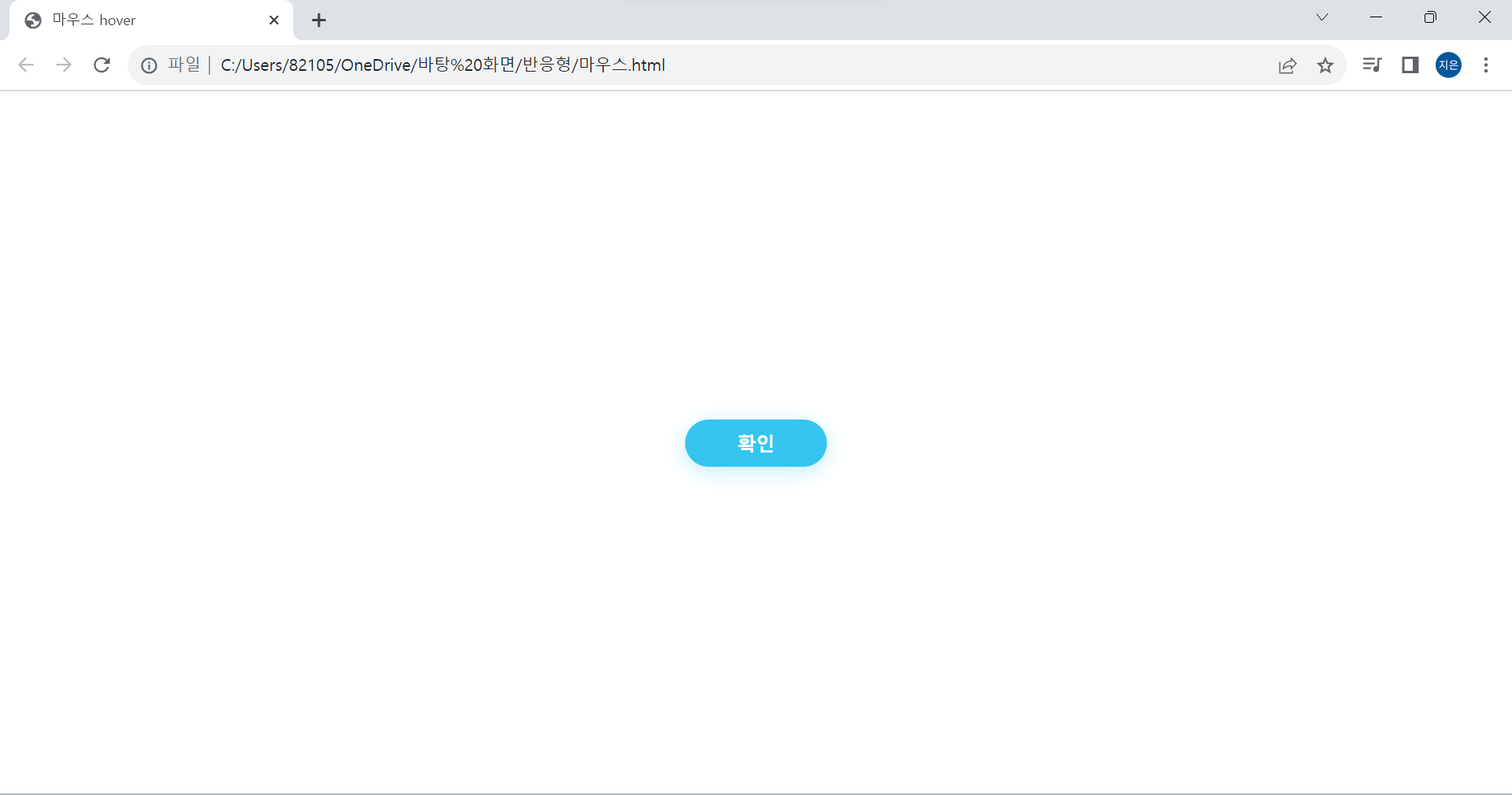
    <button>확인</button>
</body>
button{
width: 120px;
height: 40px;
background-color: rgb(53, 197, 240);
color: white;
box-shadow: 0 4px 16px rgba(53, 197, 240, 0.3);
font-size: 16px;
font-weight: bold;
border: none;
border-radius: 20px;
/* 위치 가운데로 보내기 */
position: absolute;
top: 50%;
left: 50%;
transform: translate(-50%, -50%);
/*반응 속도*/
transition: 0.3s;
}
button:focus{
outline: 0;
}
button:hover{
background-color: rgba(53, 197, 240, 0.9);
cursor: pointer;
box-shadow: 0 2px 4px rgba(53, 197, 240, 0.6);
}
[크기]
- width, height - 버튼 크기 조절
- font-size, font-weight - 폰트 크기, 두께 조절
[색상]
- background-color - 버튼 배경 색상
- color - 폰트 색상
[그림자]
- box-shadow: 0 4px 16px rgba(53, 197, 240, 0.3)
- x축 y축 blur rgba
[보더]
- border: none
- border-radius: 20px
[동작 반응 속도]
- transition: 0.3s / 반응 속도
버튼: focus
- outline: 0 (클릭시 테두리 표시 없애기)
버튼: hover - 마우스 올렸을 때
- 🐭 cursor: pointer (마우스 커서 모양)
- background-color: rgba(53, 197, 240, 0.9)
- box-shadow: 0 2px 4px rgba(53, 197, 240, 0.6)
마우스 커서
- 마우스를 위에 올렸을 때 클릭 가능 여부 인터랙션 확인
- 마우스 올렸을 때 커서 모양
- 반응 영역과 코드 잘 짜기
- a, link, button 태그는 마우스 커서 자동으로 바뀐다.
https://developer.mozilla.org/ko/docs/Web/CSS/cursor
cursor - CSS: Cascading Style Sheets | MDN
CSS cursor 속성은 요소 위에 마우스 커서가 올라갔을 때 보여줄 모양을 지정합니다.
developer.mozilla.org
'공부 모음집 > 실습 기록' 카테고리의 다른 글
| [👩🏻💻 연습] 반응형 Navbar 만들기 (+ 미디어쿼리, 햄버거 메뉴 토글 버튼, 자바스크립트 적용) (0) | 2023.10.21 |
|---|---|
| [레이아웃] Layout 유형 (1) (0) | 2023.10.20 |
| [👩🏻💻 연습] display: flex/ position: absolute/ transform: translate (1) | 2023.10.19 |
| [👩🏻💻 정리] HTML <head> 작성 방법 정리 (0) | 2023.10.17 |
| 🙅🏻♀️ [CSS] z-index로 앞뒤로 보내기 (+parallax 효과) (0) | 2023.10.11 |